INFRASTRUCTURE TEAM
+27 (0) 11 237 1000
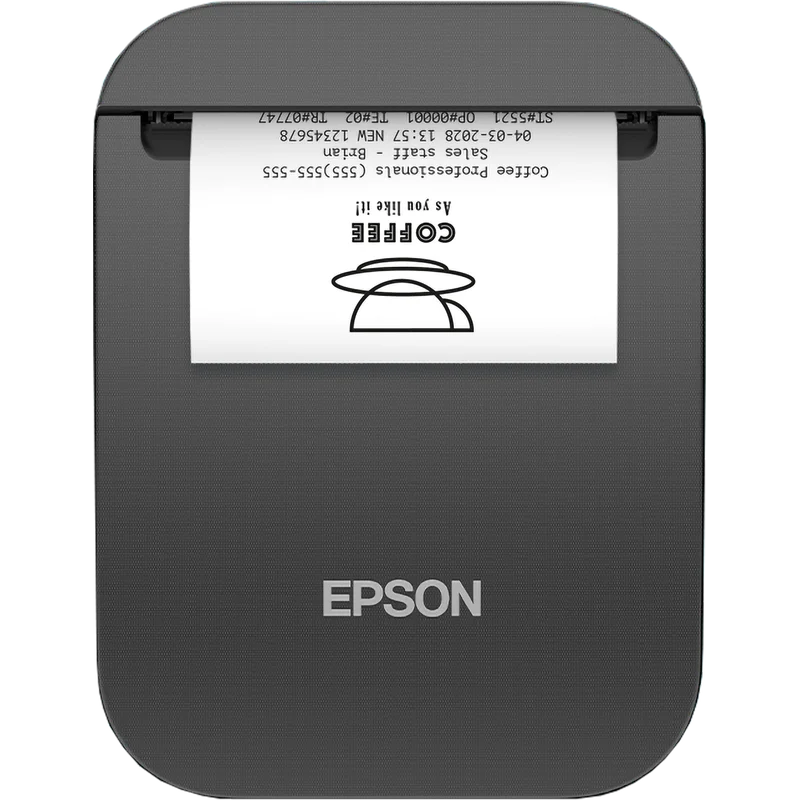
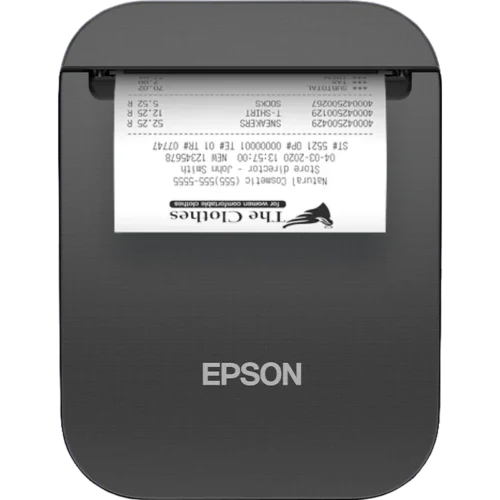
The Epson TM-P20II (111) is a portable thermal receipt printer for businesses that need to print receipts away from a fixed till. It prints on thermal paper, so no ink or ribbon is needed, and it is built to be carried from one place to another.
This version has Wi-Fi for wireless connection to your network and a USB-C port for a wired connection. The paper width is 58mm, which suits the narrow receipt rolls used by many small shops and service providers. The EU plug variant is supplied for use with European-standard power outlets.
Portable receipt printers like this one are often used by mobile sales staff, delivery and service teams, market stalls, pop-up shops and hospitality staff who take orders or payments at the customer’s location. Printing wirelessly means the printer can be placed close to the customer without long cables running across the floor.
The printer is supplied with a one-year return-to-base warranty, as listed for this model. Before buying, check that your point-of-sale software or payment system supports this printer and the connection type you plan to use.

The Epson TM-P20II (111) is a compact portable thermal receipt printer from Epson’s point-of-sale range. It is designed for businesses that need to print proper receipts outside a fixed checkout area. Because it uses thermal printing, there are no ink cartridges or ribbons to replace, which keeps running costs and maintenance simple.
The model code 111 identifies this configuration: Wi-Fi connectivity, USB-C interface and the EU power plug. The printer is supplied with a 58mm paper width, the standard narrow roll used for portable receipts, and carries a one-year return-to-base warranty.
This printer suits businesses where staff move around and still need to issue a receipt on the spot. Common examples include:
Wi-Fi allows the printer to be placed wherever a wireless network is available, which avoids cable clutter and gives staff more freedom of movement. The USB-C port offers a wired option when a stable wireless connection is not available or when the printer is connected directly to a computer or tablet. Confirm which connection method your till software expects before you set up the printer, and install the correct driver or app from Epson.
The 58mm thermal paper roll is the consumable for this printer. Keep spare rolls on hand so that trading is not interrupted. Store the printer and paper away from direct sunlight, heat and moisture, which can affect print quality. Clean the print head as recommended in the Epson user documentation, and keep the paper cover closed when the printer is not in use.
Choose the TM-P20II (111) if you need a portable receipt printer with both Wi-Fi and USB-C and you are using a European-standard power outlet. If your business needs a fixed printer at the counter, a desktop thermal receipt printer from the same Epson POS range may be more suitable. Check compatibility with your payment terminal and software before ordering, and ask your supplier about any accessories such as charging equipment or carry cases that may be required.

The Epson TM-P20II (111) is a portable thermal receipt printer for businesses that need to print receipts away from a fixed till. It prints on thermal paper, so no ink or ribbon is needed, and it is built to be carried from one place to another.
This version has Wi-Fi for wireless connection to your network and a USB-C port for a wired connection. The paper width is 58mm, which suits the narrow receipt rolls used by many small shops and service providers. The EU plug variant is supplied for use with European-standard power outlets.
Portable receipt printers like this one are often used by mobile sales staff, delivery and service teams, market stalls, pop-up shops and hospitality staff who take orders or payments at the customer’s location. Printing wirelessly means the printer can be placed close to the customer without long cables running across the floor.
The printer is supplied with a one-year return-to-base warranty, as listed for this model. Before buying, check that your point-of-sale software or payment system supports this printer and the connection type you plan to use.
Share this on your favourite channel: